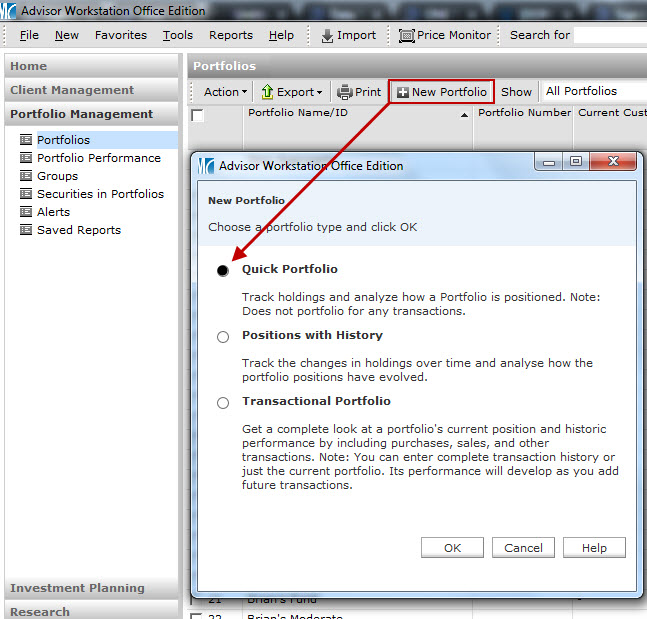
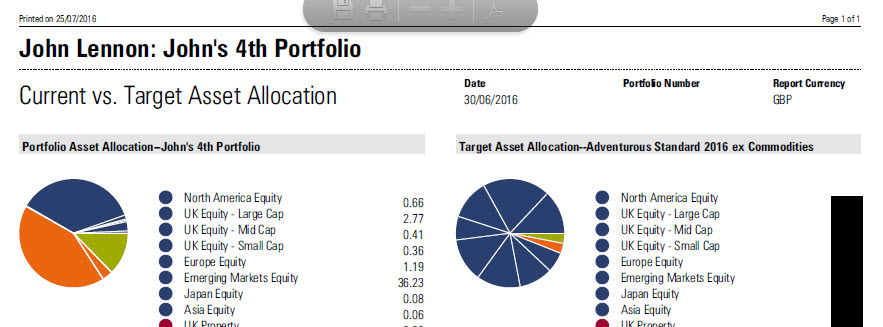
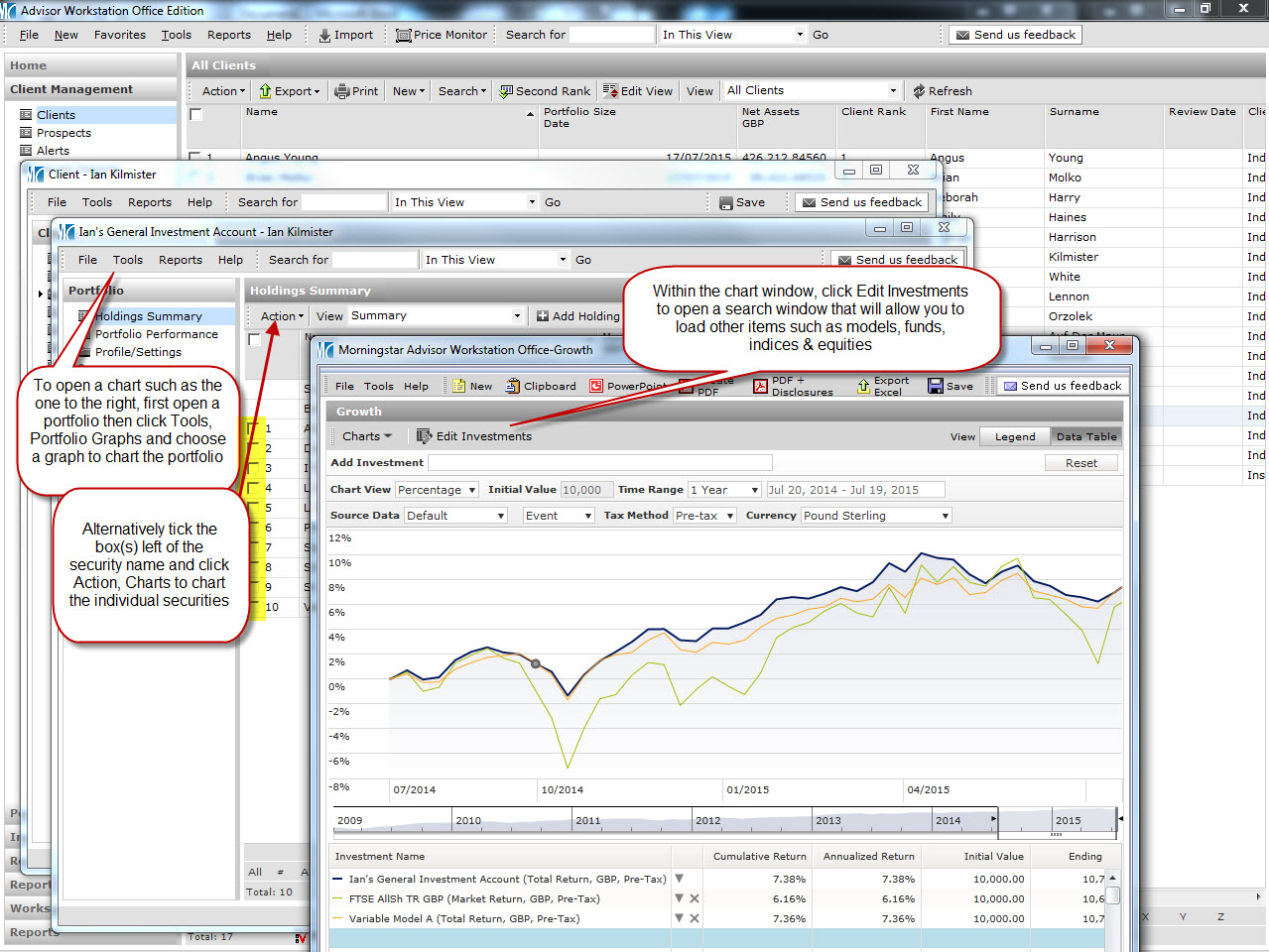
There are three portfolio types in Adviser Workstation, so if you have been presented with the options below and always choose ‘Quick Portfolio’, here is some further insight into what this does, compared to the other two portfolio types. Click the image below for more detail
“Investing should be more like watching paint dry or watching grass grow. If you want excitement, take your money and go to Las Vegas.” – Warren Buffett
If you would like to view comprehensive information on an investor’s portfolio, the Snapshot report is one of the most relevant in Adviser Workstation, displaying data on performance, allocation and risk among other things. However this can only be run as of the last month or quarter end.
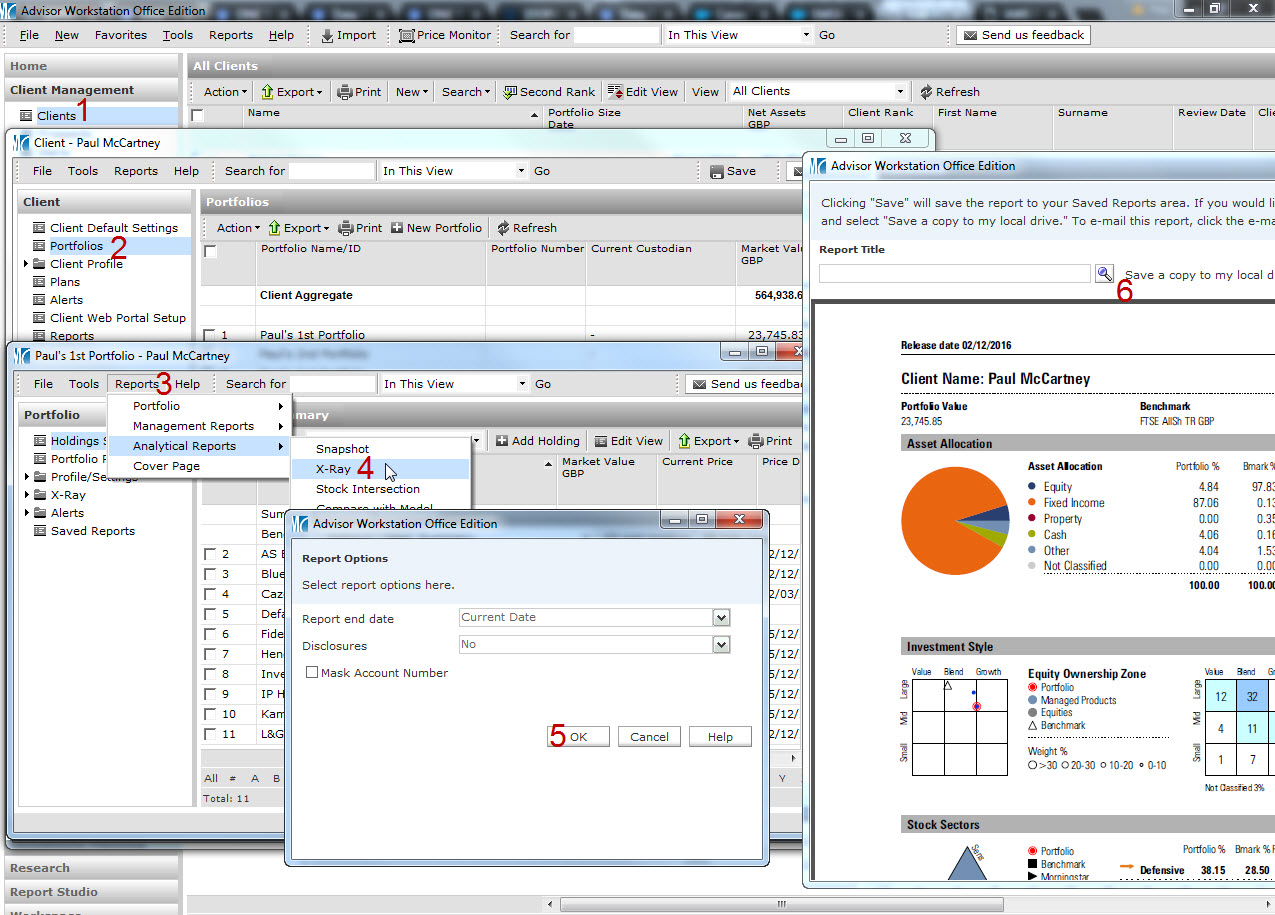
Should you or an investor wish to see a more current valuation, the X-Ray report can be used, as it’s possible to run this as of today’s date. The X-Ray can be run by following steps in the link below.

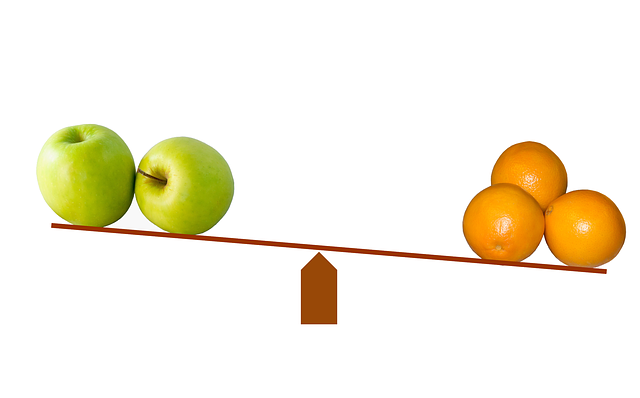
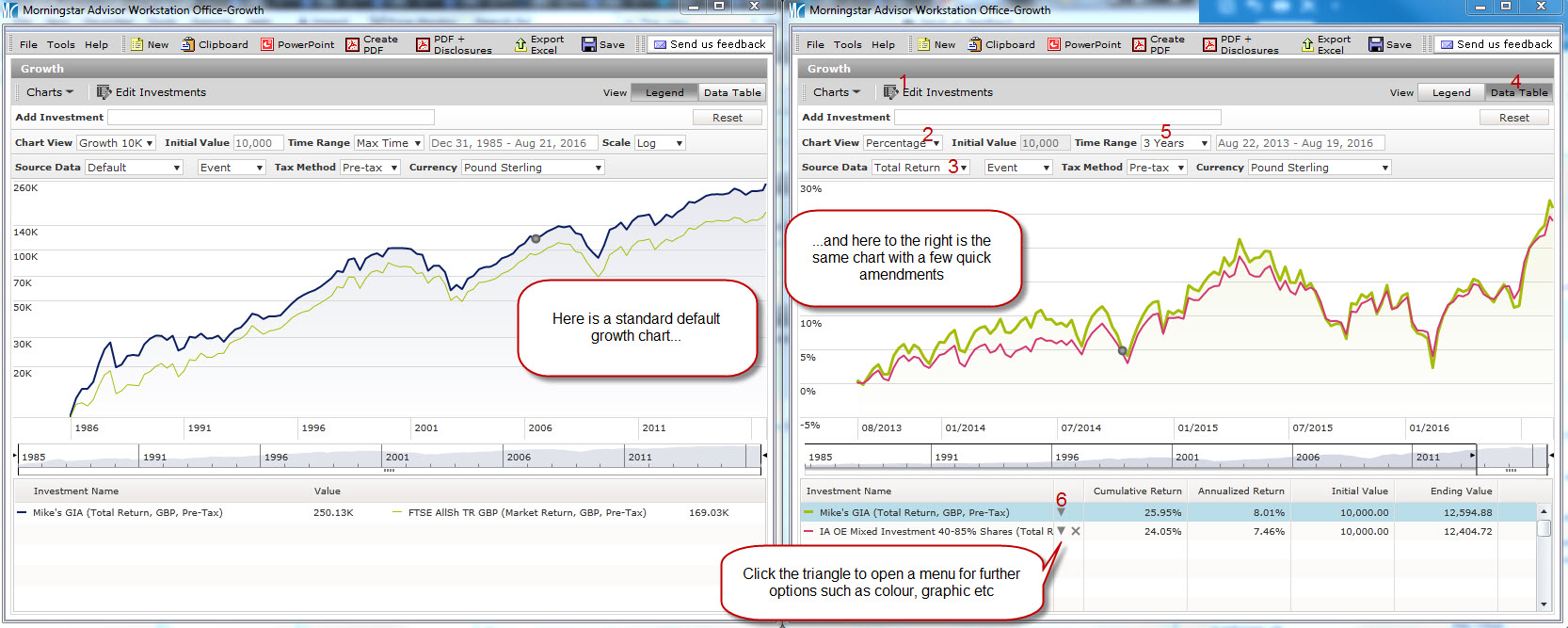
Hopefully you are aware of how to compare client portfolios with models using charts (if not, further details on that can be found here), though it is possible to do a side by side comparison to compare allocation, risk, performance and holdings, all in one handy window.
Click the image below for details on how to run such a comparison.
If you have saved lists or searches that you use on a regular basis, consider adding these to your favourites menu for speedy access. Click here to see how.
In response to the UK vote to exit the European Union, we have created workflow content for you to address the impact of Brexit on your accounts, by identifying the holdings with the highest UK exposure, and viewing each portfolio’s UK allocation.
Please click here to see a short video illustrating how you can view this information